
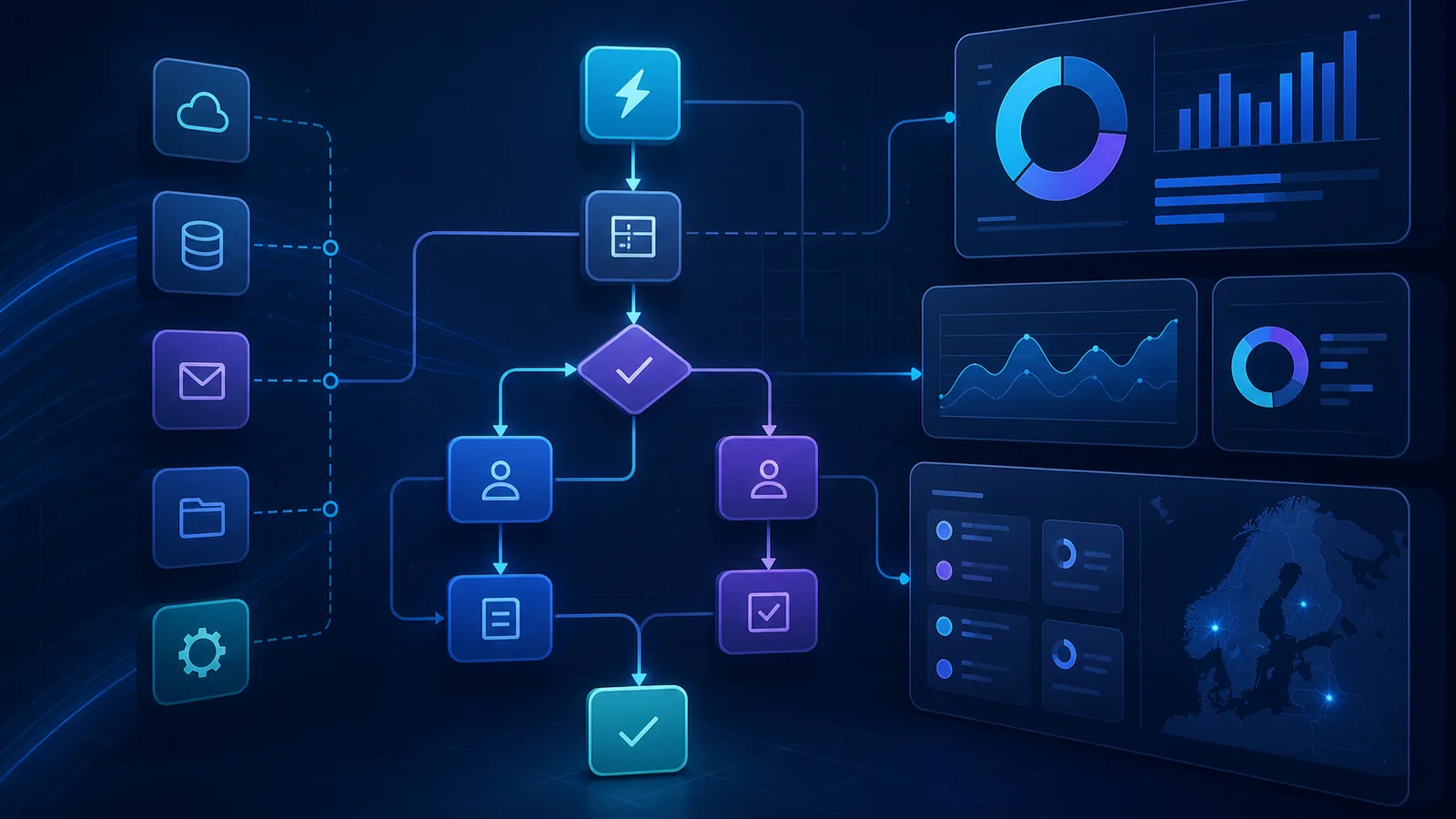
Custom internal tools and business applications
When a quality issue or purchase request lives in email, staff have to ask who owns the next step. We build an internal application that shows the queue, the decision and its owner alongside the ERP you already use.
When does a department need a tool alongside its ERP?
A quality incident can have a batch number in the ERP, a photo on a phone and a corrective decision in someone’s inbox. An internal tool brings those records together. We scope it around the people who need to make the next decision.
- Capture the incident
- Choose the fields and device that fit the work. At shift change, a supervisor should be able to see which incidents are still waiting for a photograph or a batch number.
- Assign and resolve the issue
- Show priority, owner and last change in the work queue. Define how a substitute picks up approvals when the usual owner is away.
- Return an approved update
- The ERP can remain the source for products and work orders. The internal tool sends the agreed status back and flags a failed transfer for its owner.
From a departmental work queue to a working application
What to bring
Bring a workflow owner, the user roles, an example case and the systems that hold authoritative master data.
What we do
We design queues, approval limits and change history with the department and IT. SAP, Dynamics or Salesforce connectivity depends on available APIs, licences and permissions.
What we deliver
Receive a working departmental application, agreed connectors, tests and operating notes. A later rollout can accommodate another unit’s local approval rules.
How you verify the result
Verify that the appropriate role can approve once and that an interrupted transfer resumes without duplicate entries.
How much does an internal business tool cost?
One process owner can often define the roles and workflow for a department. Different approval thresholds across sites, offline mobile use and integrations that write back to an ERP change the implementation scope.
Scope for these estimates
One department with agreed user roles.
- Add one feature to an existing tool (2–8 h)
- Build an internal workflow for one department (20–70 h)
We agree the deliverables, price and schedule in writing before you order.
Frequently asked questions
Which system remains the source of truth?
Choose an owner for each record type. The internal tool might own the approval while the ERP continues to own item codes and stock balances.
Can we commission the tool for one site?
Yes. Define the site’s users, tasks and acceptance criteria. If another location joins, identify which rules the sites share and which the new location needs to configure.
Should we check what the existing ERP already does?
Yes. We check whether the current software can support the task through configuration. A custom application makes sense when staff would still have to manage the screens, decisions or data transfers by hand.
Explore this topic
Discuss an internal tool
Describe one task that currently moves between several inboxes. Who takes part, and which system ultimately needs to record the decision?
Arrange a free initial consultationWe deliver remotely from Finland to clients worldwide, in English and Finnish.